
Website navigation plays a critical role in user experience. If visitors cannot easily find what they are looking for, they will leave your website quickly.
This beginner guide explains how to improve website navigation to help users explore your content easily and stay longer.
What Is Website Navigation?
Website navigation refers to the menus, links, and structure that help users move through your website.
Why Good Navigation Matters
- Improves user experience
- Reduces bounce rate
- Increases page views
- Helps search engines crawl your site
Best Ways to Improve Website Navigation
1. Keep the Menu Simple
Limit main menu items to the most important pages.
2. Use Clear Menu Labels
Menu names should clearly describe the content users will find.
3. Organize Content into Categories
Group related pages under logical categories.
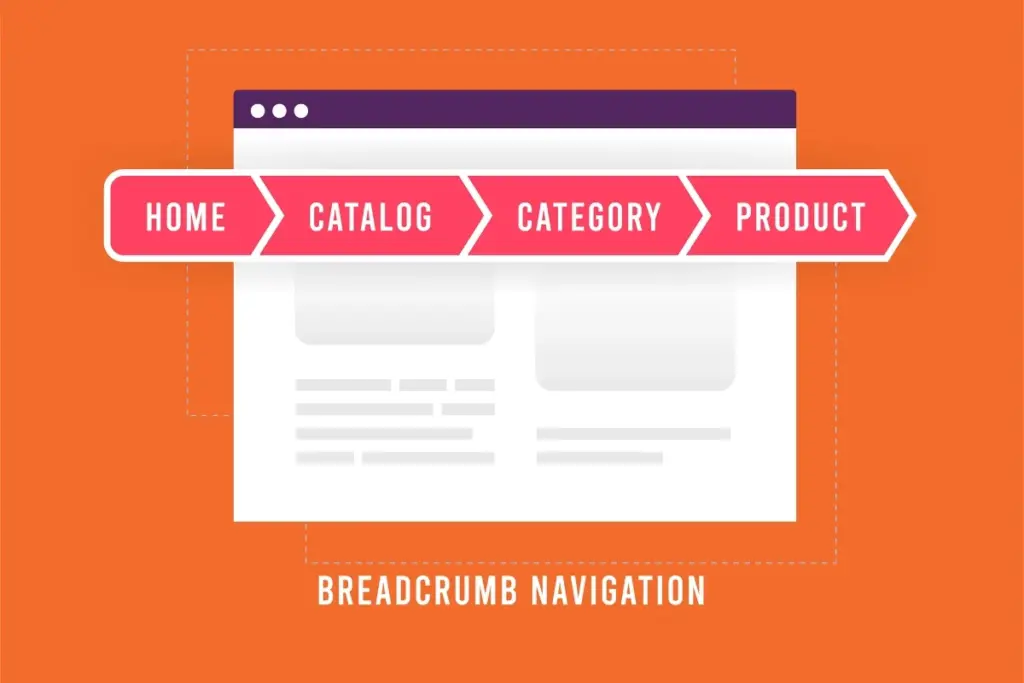
4. Use Breadcrumb Navigation
Breadcrumbs show users where they are within the site structure.
5. Make Navigation Mobile-Friendly
Ensure menus work smoothly on mobile devices.
6. Add Internal Links
Internal links guide users to related content.
7. Highlight Important Pages
Make essential pages easy to find.
8. Avoid Too Many Dropdowns
Excessive dropdowns can confuse users.
9. Use a Search Feature
A search box helps users find content quickly.
Common Navigation Mistakes
- Overcrowded menus
- Unclear labels
- Poor mobile navigation
- Hidden important pages
Final Thoughts
Improving website navigation helps visitors find content easily and encourages them to explore more pages. Simple, clear navigation leads to better engagement and stronger SEO.
Focus on user needs and keep navigation intuitive.