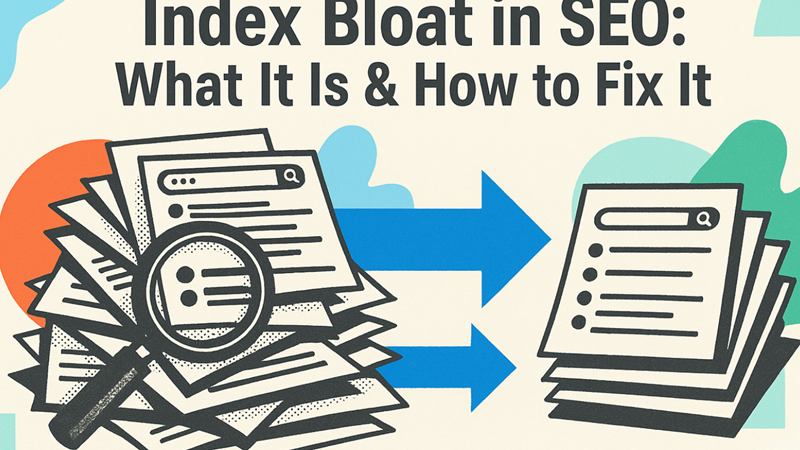
Index bloat occurs when search engines index too many low-value or unnecessary pages on your website. This dilutes SEO signals, wastes crawl budget, and slows down ranking improvements.
This advanced guide explains how to reduce index bloat safely while preserving traffic and rankings.
What Is Index Bloat?
Index bloat happens when your site has more indexed pages than it should — especially pages that offer little or no SEO value.
Why Index Bloat Hurts SEO
- Wastes crawl budget
- Weakens internal link equity
- Slows indexing of important pages
- Creates ranking instability
How Index Bloat Happens
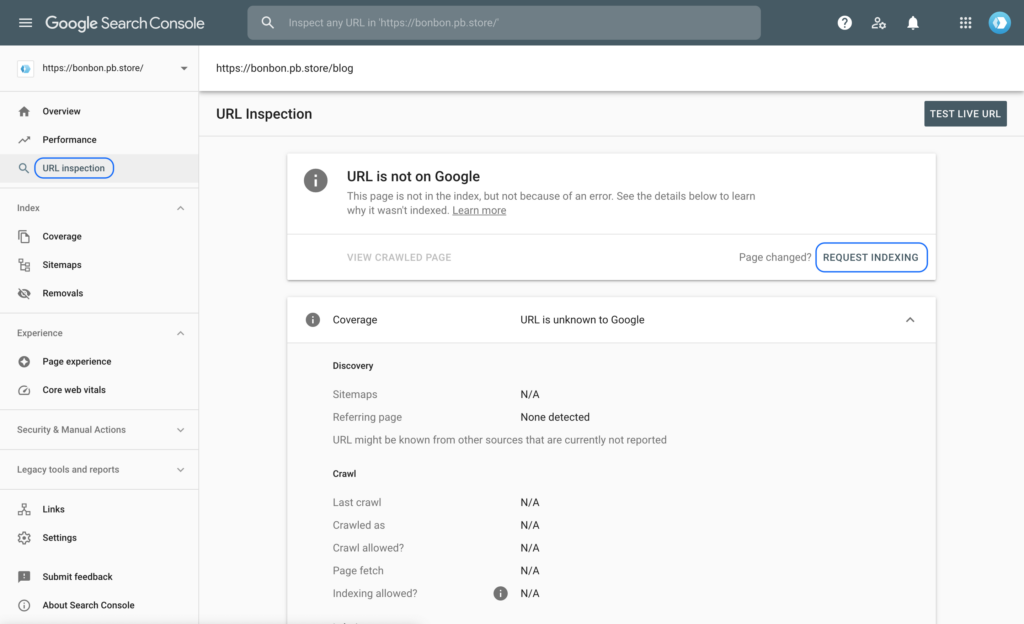
- Tag and date archive pages
- Paginated URLs
- Thin content pages
- Duplicate URLs
- Search and filter parameters
Step-by-Step Guide to Reduce Index Bloat
Step 1: Audit Indexed Pages
Compare indexed pages with valuable pages.
Step 2: Identify Low-Value URLs
Spot thin, duplicate, or outdated pages.
Step 3: Noindex Low-Value Pages
Apply noindex to pages that shouldn’t rank.
Step 4: Remove or Merge Thin Content
Consolidate weak pages into stronger ones.
Step 5: Fix Duplicate URLs
Use canonical tags and redirects properly.
Step 6: Control Archive Pages
Noindex unnecessary tag, date, and author archives.
Step 7: Optimize Pagination
Prevent deep paginated pages from bloating the index.
Step 8: Clean XML Sitemaps
Include only index-worthy URLs.
Step 9: Improve Internal Linking Focus
Strengthen links to important pages.
What NOT to Do When Reducing Index Bloat
- Mass delete pages without redirects
- Noindex important pages accidentally
- Block pages without evaluating value
How Long Does Index Cleanup Take?
- Small sites: 2–4 weeks
- Medium sites: 1–2 months
- Large sites: 2–4 months
How to Maintain a Clean Index
- Audit quarterly
- Control new URL creation
- Plan site architecture carefully
Final Thoughts
Reducing index bloat is one of the fastest ways to improve SEO performance on large sites. Fewer indexed pages mean stronger signals for the pages that truly matter.
A lean index is a powerful index.