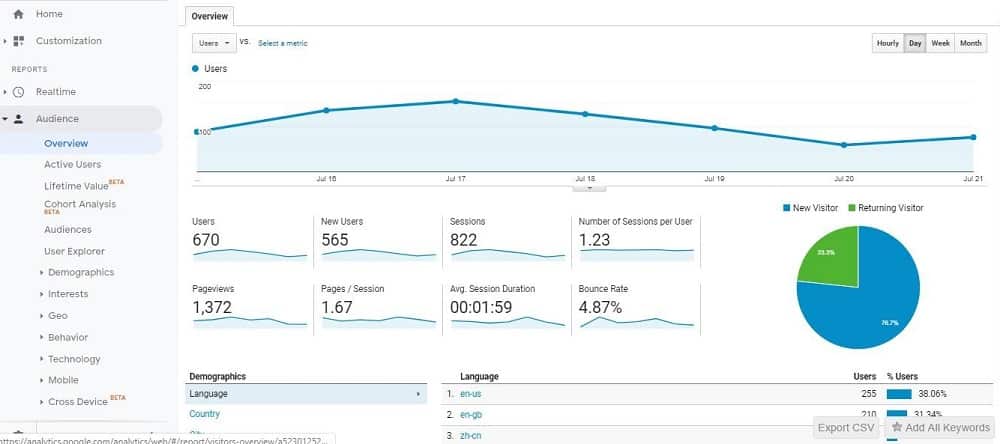
Google Analytics is a free tool that helps website owners understand how visitors find and use their website. It provides valuable data such as traffic sources, page views, user behavior, and engagement.
This beginner guide explains how to set up Google Analytics for your website using the latest version, Google Analytics 4 (GA4).
What Is Google Analytics?
Google Analytics allows you to track website traffic, user interactions, and performance metrics in real time.
Why Google Analytics Is Important
- Track website traffic
- Understand user behavior
- Measure content performance
- Improve SEO and marketing decisions
Step-by-Step Guide to Set Up Google Analytics
Step 1: Create a Google Analytics Account
Go to Google Analytics and sign in using your Google account.
Step 2: Create a New Property
Click on “Start Measuring” and create a new GA4 property for your website.
Step 3: Set Up a Data Stream
Select “Web” and enter your website URL to create a data stream.
Step 4: Add Tracking Code to Your Website
Add the GA4 tracking code to your website header or use a plugin if you are using WordPress.
Step 5: Verify Tracking
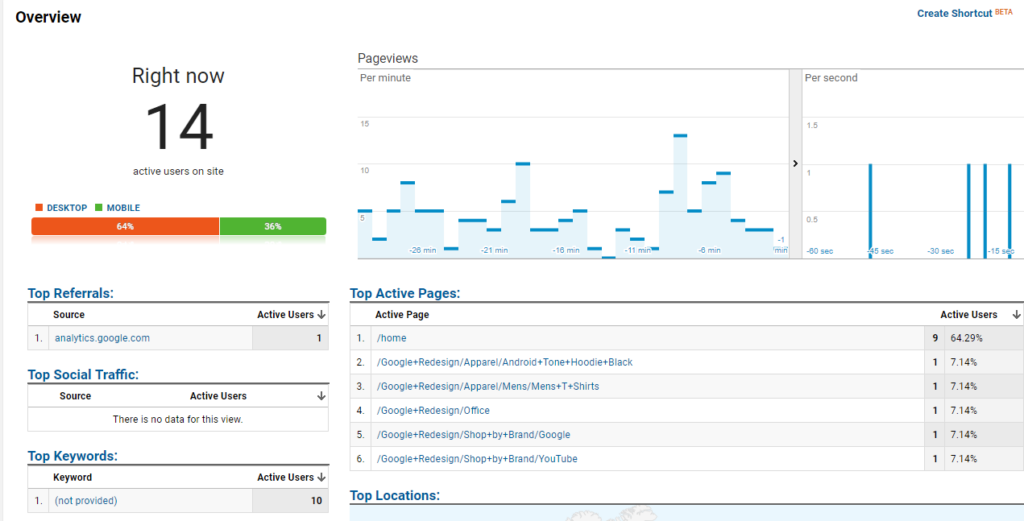
Check the Realtime report to ensure data is being recorded.
Key Google Analytics Reports You Should Know
- Realtime – Live user activity
- Acquisition – Traffic sources
- Engagement – Page views and user actions
- Audience – User demographics
Common Google Analytics Mistakes
- Not setting up GA4 properly
- Ignoring reports
- Not filtering internal traffic
Final Thoughts
Google Analytics is an essential tool for understanding and growing your website. By setting it up correctly and reviewing reports regularly, you can make smarter decisions and improve website performance.
Data-driven decisions lead to long-term success.