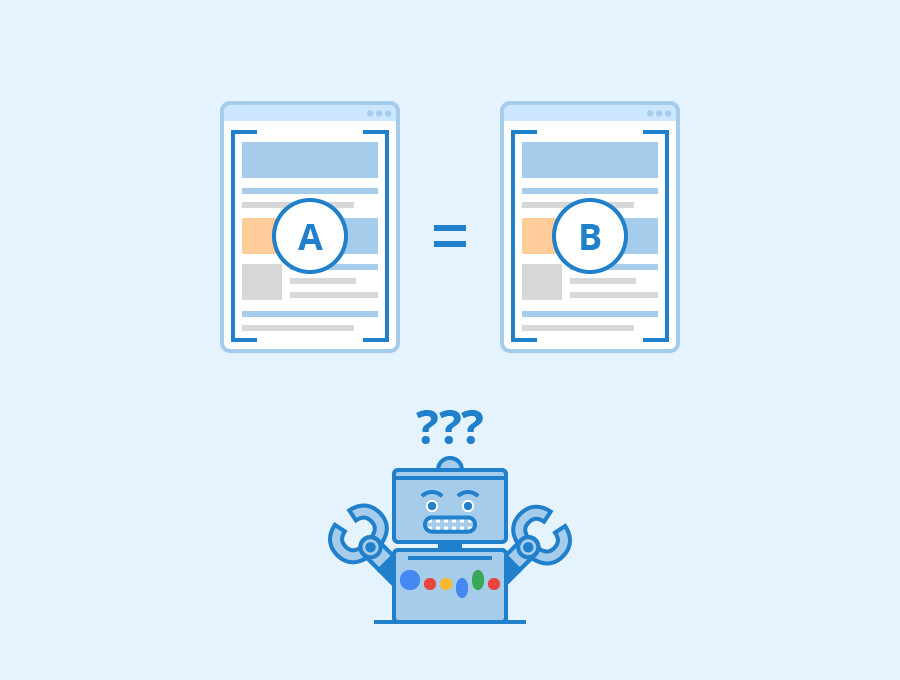
Duplicate content occurs when similar or identical content appears on multiple URLs. While duplicate content does not usually result in penalties, it can confuse search engines and negatively affect rankings.
This beginner guide explains how to identify and fix duplicate content issues on your website.
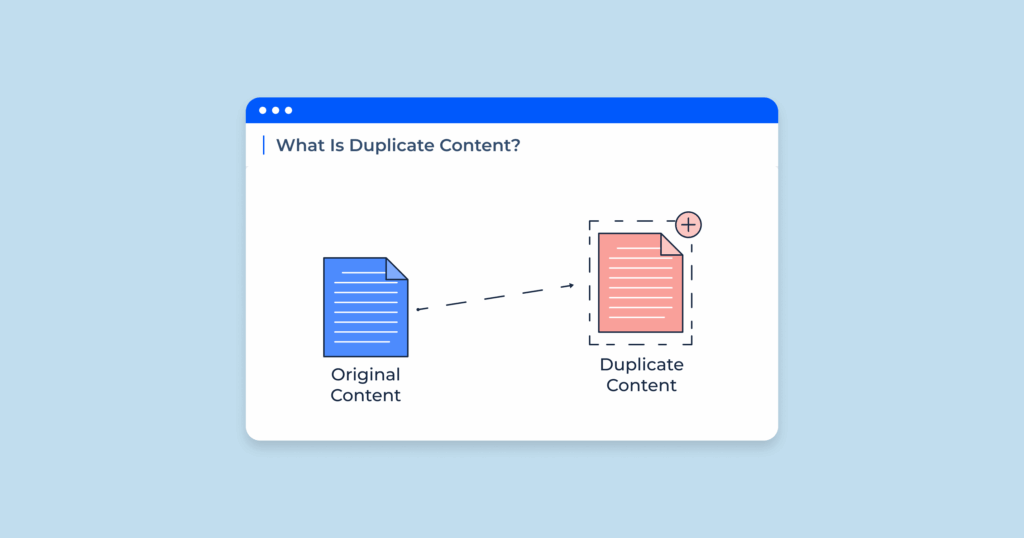
What Is Duplicate Content?
Duplicate content refers to blocks of content that appear in more than one location on the internet or within the same website.
Why Duplicate Content Is a Problem
- Confuses search engines
- Dilutes ranking signals
- Reduces page visibility
- Wastes crawl budget
How to Identify and Fix Duplicate Content
1. Check Google Search Console
Use indexing and coverage reports to identify duplicate or similar pages.
2. Use Canonical URLs
Canonical tags tell search engines which version of a page is the main one.
3. Avoid Duplicate Page Titles
Ensure each page has a unique title and meta description.
4. Consolidate Similar Pages
Merge overlapping content into one strong page.
5. Use 301 Redirects
Redirect duplicate URLs to the preferred version.
6. Handle WWW and Non-WWW Versions
Choose one preferred domain version and redirect the other.
7. Control URL Parameters
Parameters can create duplicate URLs for the same content.
8. Avoid Auto-Generated Content
Automatically generated pages often cause duplication.
Common Duplicate Content Sources
- HTTP and HTTPS versions
- Category and tag archives
- Printer-friendly pages
- Pagination
How to Prevent Duplicate Content
- Plan content structure carefully
- Use canonical tags consistently
- Limit unnecessary archives
- Monitor Search Console reports
Final Thoughts
Duplicate content issues are common but manageable. By identifying duplicates and applying simple fixes, you can protect your SEO performance and improve search visibility.
Regular monitoring helps prevent duplicate content problems before they grow.