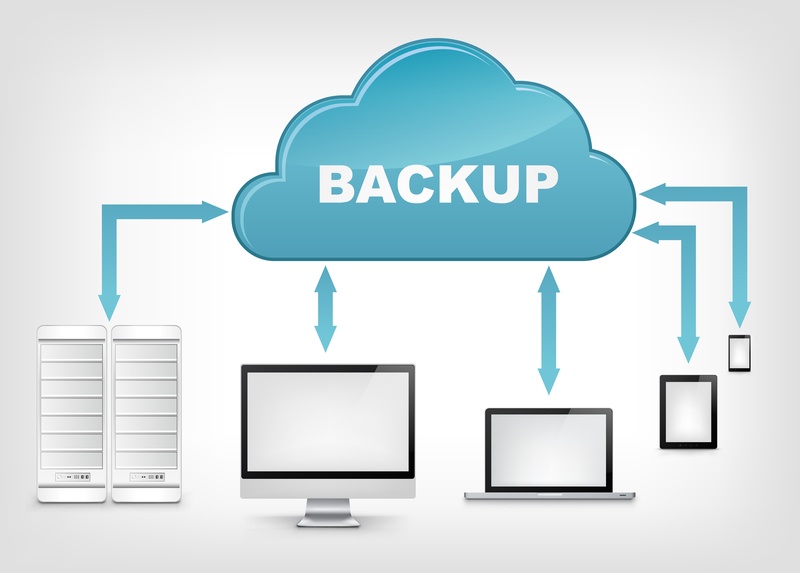
Website backups are one of the most important aspects of website management. Without proper backups, data loss due to hacking, server failure, or accidental deletion can be devastating.
This beginner guide explains how to backup your website properly and keep your data safe.
Why Website Backups Are Important
Regular backups ensure that your website can be restored quickly in case of emergencies.
- Protects against data loss
- Helps recover from hacking
- Prevents downtime
- Provides peace of mind
Best Ways to Backup Your Website
1. Hosting Provider Backups
Many hosting providers offer automatic daily or weekly backups.
Pros: Easy and automated
Cons: Limited control
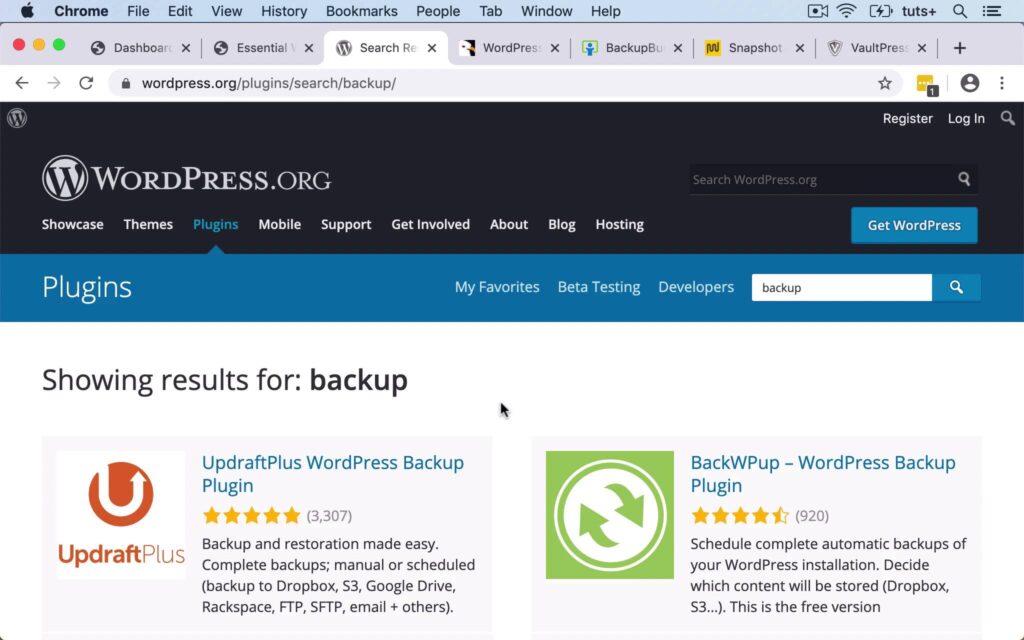
2. Backup Plugins (For WordPress)
Backup plugins allow you to schedule backups and store them safely.
Best for: WordPress websites
3. Manual Backups
Manual backups involve downloading website files and databases.
Best for: Advanced users
4. Cloud Storage Backups
Storing backups in cloud services adds an extra layer of protection.
How Often Should You Backup Your Website?
- Daily for active websites
- Weekly for low-update sites
- Before major updates
Common Backup Mistakes to Avoid
- Not backing up regularly
- Storing backups on the same server
- Not testing backups
- Ignoring database backups
Final Thoughts
Website backups are not optional—they are essential. By implementing a proper backup strategy, you can protect your website from unexpected disasters.
Make backups a regular habit and ensure your website’s safety and continuity.