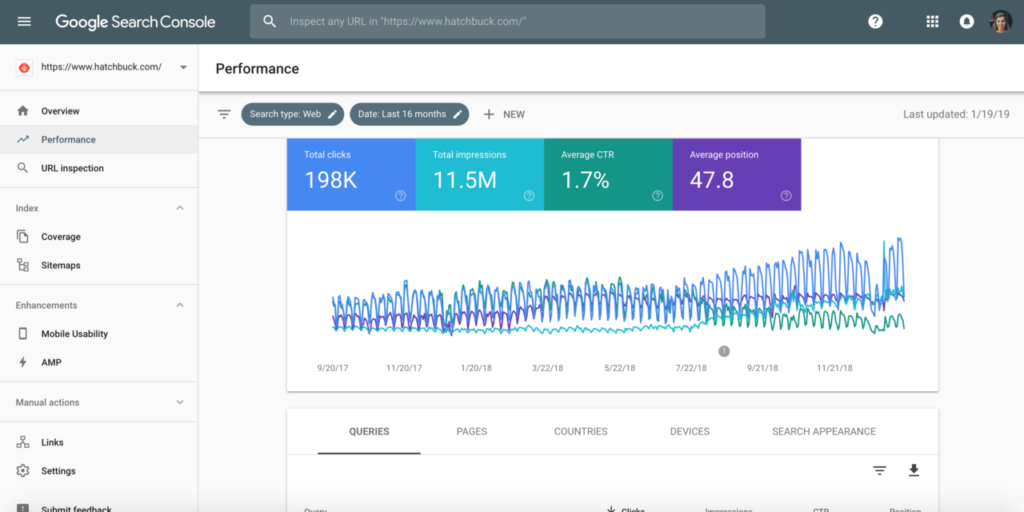
Google Search Console verification and indexing reports
Step 1: Sign In to Google Search Console
Go to Google Search Console and sign in using your Google account.
Step 2: Add Your Website Property
Click on “Add Property” and enter your website URL.
Step 3: Verify Website Ownership
Verify ownership using one of the available methods:
- HTML file upload
- HTML meta tag
- DNS verification
- Google Analytics
Step 4: Submit Your Sitemap
Submit your sitemap to help Google crawl your website more efficiently.
Step 5: Check Indexing Status
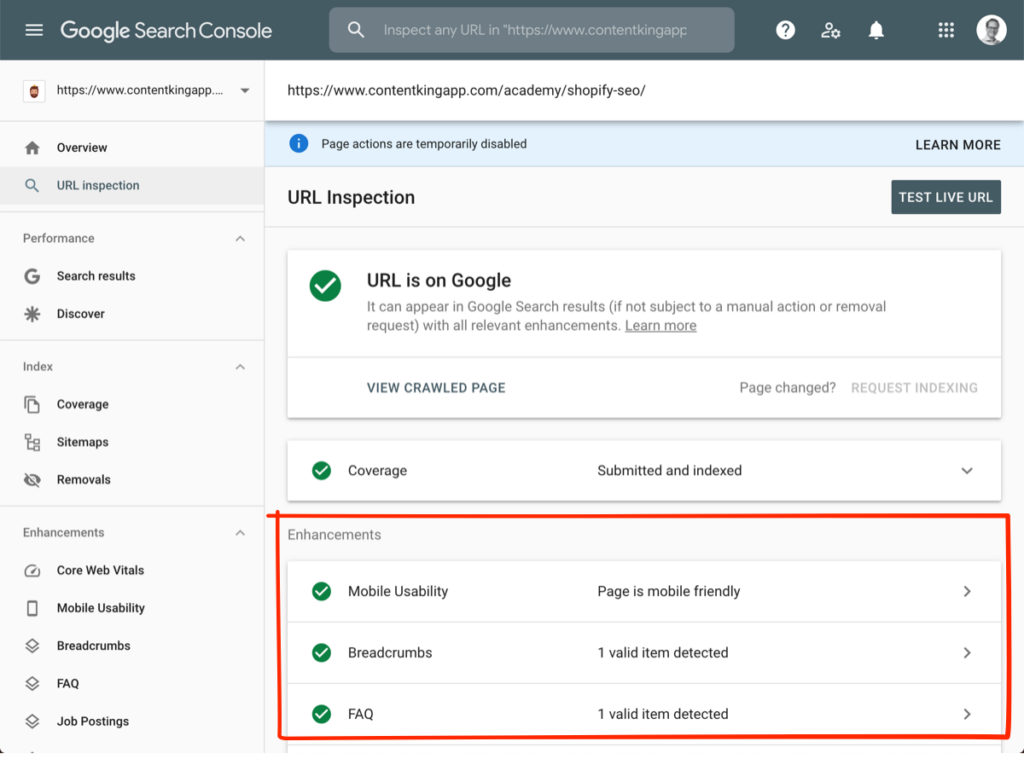
Use the URL Inspection tool to check whether pages are indexed.
Step 6: Monitor Performance Reports
Track clicks, impressions, and keywords in the Performance section.
Common Google Search Console Mistakes
- Not submitting a sitemap
- Ignoring indexing errors
- Not checking reports regularly
Final Thoughts
Google Search Console is an essential tool for every website owner. Proper setup and regular monitoring can help improve search visibility and fix issues before they affect rankings.
Make it a habit to check Search Console regularly to ensure your website stays healthy in search results.