Broken links are links on your website that no longer work and lead to error pages, such as 404 errors. These links create a poor user experience and can negatively affect your website’s SEO.
This beginner guide explains how to find and fix broken links on your website using simple and effective methods.
What Are Broken Links?
Broken links are hyperlinks that point to pages or resources that no longer exist or cannot be accessed.
Why Broken Links Are Bad for Your Website
- Frustrate visitors
- Increase bounce rate
- Reduce SEO performance
- Lower website credibility
How to Find and Fix Broken Links
1. Use Google Search Console
Google Search Console shows indexing errors and broken URLs under the Pages or Coverage report.
2. Use Online Broken Link Checker Tools
Free online tools can scan your website and list broken links.
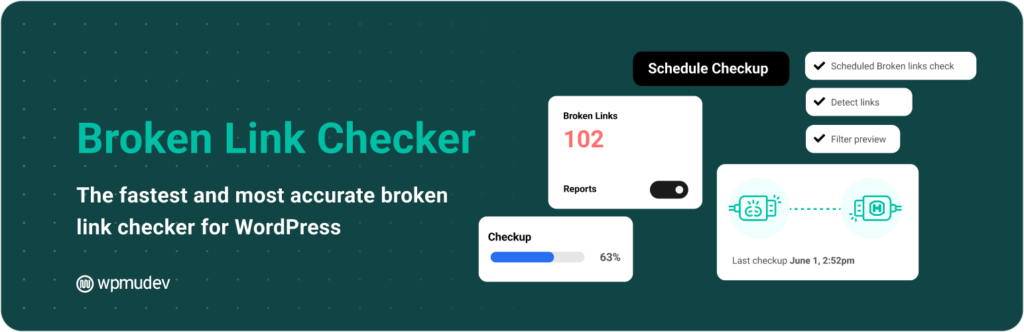
3. Check Broken Links in WordPress
WordPress plugins can detect broken internal and external links automatically.
4. Fix Broken Internal Links
Update or remove links pointing to deleted or moved pages.
5. Fix Broken External Links
Replace broken external links with updated or relevant alternatives.
6. Set Up 301 Redirects
Redirect old URLs to relevant new pages to preserve SEO value.
7. Remove Unnecessary Links
Delete links that are no longer useful or relevant.
How Often Should You Check for Broken Links?
- Monthly for active websites
- After redesigns or migrations
- After deleting content
Common Broken Link Mistakes
- Ignoring external broken links
- Not using redirects
- Failing to recheck links regularly
Final Thoughts
Fixing broken links improves user experience, SEO performance, and website credibility. Regular link audits help keep your website clean and professional.
Make broken link checking a regular part of your website maintenance routine.