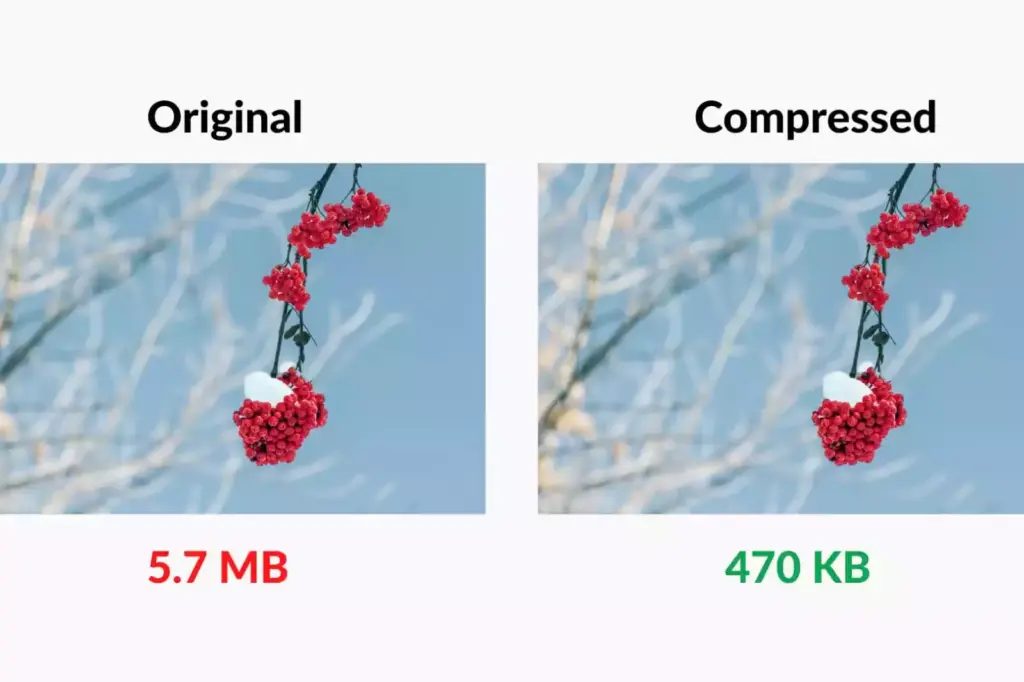
Images make websites visually appealing, but unoptimized images are one of the biggest reasons for slow website speed. Large image files increase loading time and negatively affect user experience and SEO.
This beginner guide explains how to optimize images for website speed without losing quality.
Why Image Optimization Is Important
Optimizing images improves website performance and helps pages load faster.
- Faster page loading time
- Better SEO rankings
- Improved user experience
- Lower bounce rate
Best Ways to Optimize Images for Website Speed
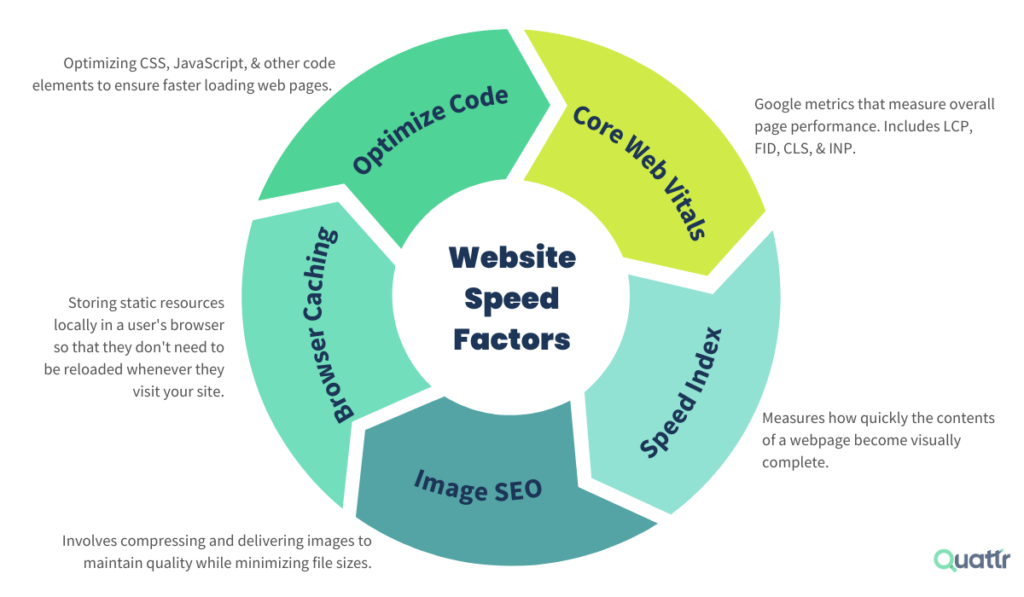
1. Choose the Right Image Format
Use appropriate image formats for different purposes:
- JPEG – Photos and complex images
- PNG – Images with transparency
- WebP – Best for modern browsers
2. Compress Images Before Uploading
Image compression reduces file size without noticeable quality loss.
3. Resize Images Properly
Upload images in the exact size needed for your website layout.
4. Use Descriptive File Names
Rename image files with meaningful names instead of default camera names.
5. Add Alt Text to Images
Alt text improves accessibility and helps search engines understand images.
6. Enable Lazy Loading
Lazy loading loads images only when they appear on the screen.
7. Use Image Optimization Plugins
Plugins can automatically compress and optimize images.
8. Avoid Too Many Images
Use only necessary images to keep pages lightweight.
Common Image Optimization Mistakes
- Uploading large uncompressed images
- Using wrong image formats
- Ignoring alt text
- Overusing decorative images
Final Thoughts
Image optimization is one of the easiest ways to improve website speed. By following these beginner-friendly steps, you can significantly enhance performance without technical expertise.
Faster websites provide better user experience and perform better in search engines.